
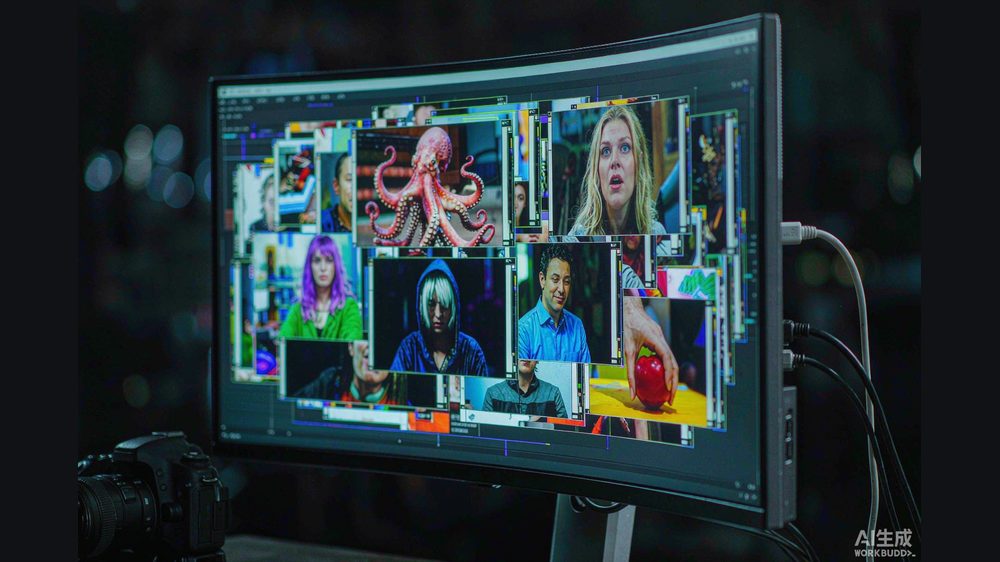
You shot a great portrait, then noticed a sweat stain on the collar. Fixing it used to mean clone, heal, layers — or shipping the file back to a retoucher. PixelCake (像素蛋糕) wants you to skip all of that and just point.
At its autumn launch event in Xiamen on September 10, 2026 — timed to the brand's fifth anniversary — PixelCake released version 10.0 of its PC software. The headline feature is "AI spot-fix" (AI点修), and it reframes editing from "find the tool" to "point at the problem."
What "AI spot-fix" actually does
The interaction is deliberately simple:
- Click anywhere. Tap a region — a face, the grass, a body part — and the software suggests the relevant function.
- Say what to change. A sentence like "make the background nicer" or "even out these colors" triggers a generative fill that completes the imagination.
- Edit in place. Pixel-level segmentation lets you select exactly what to change, then remove, repaint, replace or blend it into the frame.
The company calls it the industry's first take on this click-and-prompt model. The bigger shift is conceptual: the tool moves toward the user instead of making the user hunt through panels. For high-volume studios — wedding, graduation, commercial photography — that "point, don't dig" loop is where hours disappear.
The 16-bit Raw engine
Under the creative features sits a quieter but more structural claim: a self-developed 16-bit AI Raw engine. Standard photos are typically 8-bit; PixelCake's engine works in 16-bit color depth for adjustment and output, which the company says preserves more detail and a wider color range.
Color science got a system-wide upgrade in 10.0. Local AI color-matching aligns a photo's partial colors to a reference sample — skin, clothing, background — so a whole set stays consistent. A "texture color" mode delivers classic looks in one click, with clearer shadows and softer transitions. Per Science and Technology Daily reporting on the launch, preview and export speeds for color work rose by more than 40%.
Beyond faces: pets and travel
Version 10.0 also pulls pet retouching into the professional workflow for the first time — brightening a pet's eyes, adding catch-lights, removing stray fur — and ships scenario presets for pet birthdays, family portraits and ID photos.
The phone version carries a large feature set (the company cites more than 420 functions) covering anime-style, travel and concert scenarios, while the iPad version is positioned as a travel-shoot companion handling capture, retouch, preview and delivery in one flow.
A small ecosystem, not just one app
PixelCake is not shipping alone. The launch also refreshed PixelCheese (像素芝士), a photo-live and scenic-imaging middle platform, and PixelToast (像素吐司), which is moving from single-product revenue toward combined photo-and-video imaging. PixelCheese announced a program to refresh 100 scenic and event locations, pushing smart travel-portrait services into entire venues rather than serving one creator at a time.
According to Li An, chief scientist at BrainNet (脑机网), the next battleground in consumer imaging is turning a vague intent — "make this look nicer" — into a precise, editable change.
Why this matters beyond photographers
Retouching has always been the invisible tax on visual work. Every platform — e-commerce listings, dating profiles, school photos, travel blogs — quietly pays it. A tool that turns "point at the problem" into the default gesture lowers that tax for everyone who is not a trained editor, which is the actual size of the market.
Picture a wedding studio at the end of a Saturday: dozens of group shots come back with stray hands, uneven skin and a cluttered background behind the couple. Under the older loop, an editor opens each file, finds the relevant brush or clone tool, and works region by region — a slow, attention-heavy pass that scales badly with volume. The point-and-prompt model collapses that into a few decisive actions: tap the distraction, describe the fix, move on. The mental overhead drops because the software absorbs the "where is the tool" work, leaving the photographer to think only about the result they want rather than the mechanics of reaching it.
The deeper implication is about who gets to finish the image. Retouching skill has long acted as a gatekeeper — the gap between a usable photo and one that needs a specialist. When the edit becomes a conversation about intent instead of a sequence of tool operations, that barrier softens. A studio assistant, a salesperson at a scenic spot, or a parent ordering school photos can each push a file closer to "done" without a trained retoucher sitting in the loop, which reshapes how much professional time a single image is expected to consume.
Honest limitations
- "Industry first" is the company's framing. The click-and-prompt spot-fix is described by PixelCake as an industry first; no independent body has certified the superlative.
- The 16-bit advantage is real but situational. More color depth helps in heavy grading and large prints; for casual social clips the difference may be invisible.
- The 40% speed figure is single-sourced. The "over 40%" preview/export speed gain comes from Science and Technology Daily's launch coverage, not an independent benchmark.
- Generative fill still needs judgment. In-place removal and repaint can drift from the original if the prompt is vague or the region is ambiguous — human review remains part of the loop.
What readers can do now
- Try the point-and-prompt loop on one real photo: click the single worst flaw and fix it with a sentence instead of opening the healing brush.
- If you shoot in Raw, test the 16-bit pipeline: compare a heavy grade in PixelCake against your current 8-bit editor to see if shadow detail survives.
- Studios should pilot the "point, don't dig" workflow: time a batch of 50 portraits under the new loop versus the old panel hunt, and measure the hours saved.